
4k Image Converter: Convert Image
to 4K Resolution Online Free



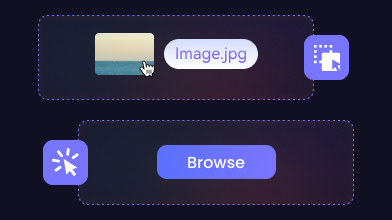
Upload Image
Step 1: Open AVCLabs 4K Image Converter and select the image to import.
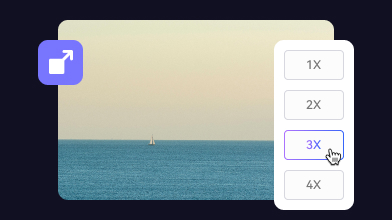
Select Upscale Tool
Step 2: Select the Upscale scale in the toolbar below the picture window.
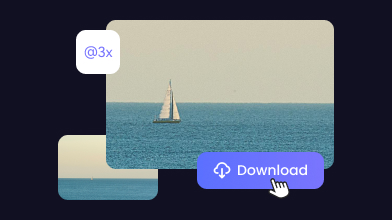
Convert Image to 4K
Step 3: After chosen desired magnification, click "Enhance" to apply.
Upscale Any Image to 4K with AI
Free & Online
Instant 4K resolution
Convert Image to 4K Resolution Online Free
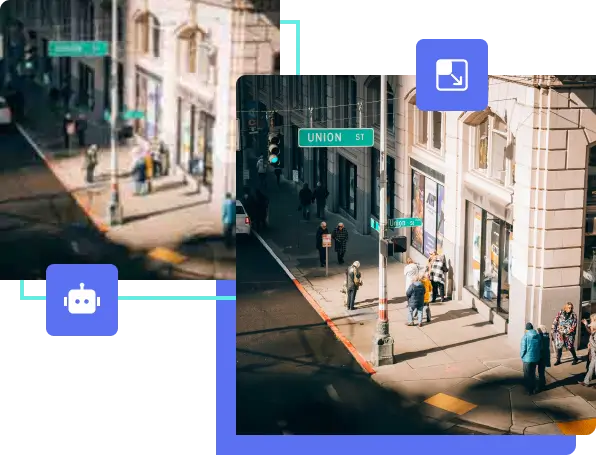
AVCLabs 4K Image Converter is a free online image converter that can upscale any image to 4K. You don’t need to worry—it’s not just simple enlargement. It also enhances sharpness, adds details, and reduces noise.
It requires no editing skills, unlike traditional photo editing apps that require you to edit pixel by pixel. Just upload your image and choose the scale. All powered by AI in one seamless process.
Sharp and Noise-Free Converting
Remove Grain or Noise while Converting Image to 4K
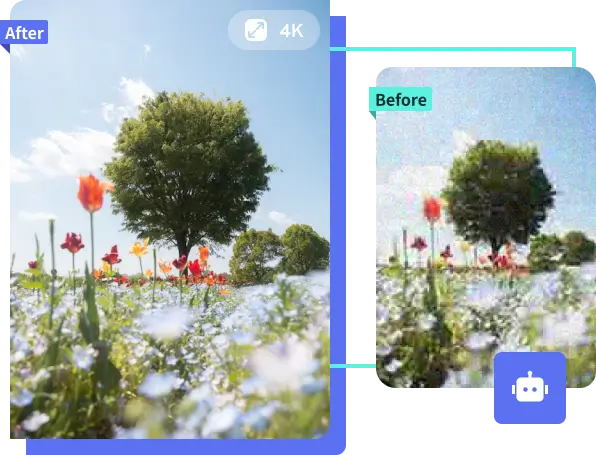
Most online image upscalers tend to introduce more noticeable grain and noise—especially in darker areas and skin tones. With AVCLabs 4K Photo Converter, this won’t happen.
The 4K Image Converter continuously improves its AI capabilities. With the most advanced AI mode, it automatically detects and eliminates grain while upscaling your image. Unlike traditional methods that blindly blur, the AI analyzes the unique patterns in your original photo and fills in textures for a smooth, natural result.
See Every Texture
Powerful 4K Generator to Recover Texture and Detail in Every Pixel
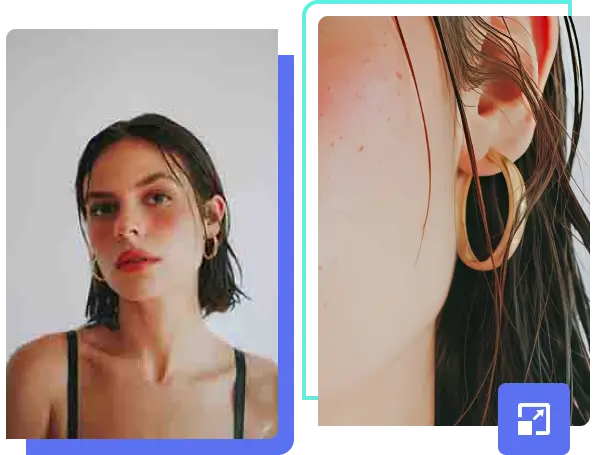
Low-resolution photos often lack fine surface details: skin texture, fabric weave, reflections, or natural gradients become blurred or completely lost. AVCLabs applies AI-based reconstruction to intelligently add back these micro-details when generating the 4K version.
Instead of simply enlarging pixels, the tool rebuilds realistic structure, lighting, and texture, making your images look sharp and professional.
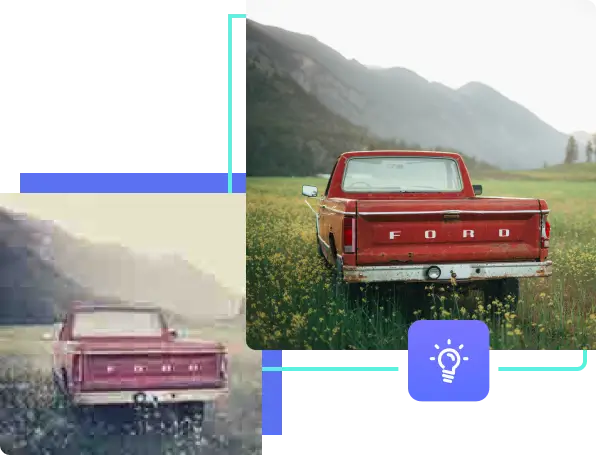
Vivid Color. Clear Detail. Again.
Restore and Enhance Old Photos in 4K
Old photos often fade, lose color, or become blurry over time. AVCLabs 4K Photo Converter restores old photos by upscaling resolution to 4K, correcting faded colors, and reconstructing missing details using deep learning.
Whether it's a childhood snapshot, a worn wedding print, or a photo of someone you miss, restoring it brings those memories closer.
4K Resolution for Online Posting
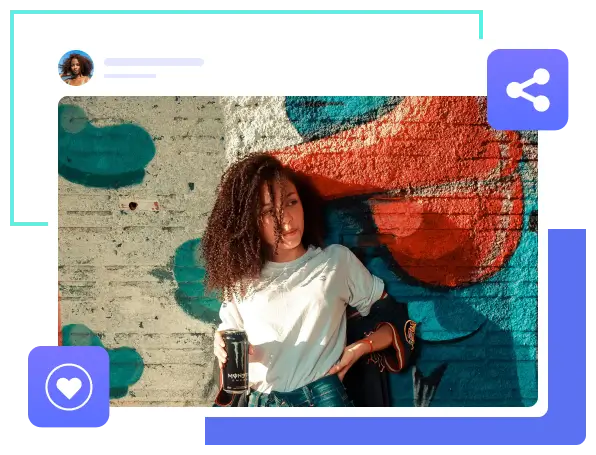
Perfect 4K Image Converter for Social Media Sharing
Not everyone is a photo editing expert—and with AVCLabs 4K Image Converter, you don’t have to be. AVCLabs 4K Image Converter is designed for casual users and content creators who need quick, high-quality results without complex steps.
Just add image, and the AI handles everything—from boosting resolution to removing artifacts and enhancing color. No sliders, no settings, no learning curve. Whether you’re preparing a social media post, thumbnail, or visual content, you’ll get a clean, sharp 4K image that stands out on any platform.

00
%Estimated Time Saved
with 4K Image Converter

00
%User Satisfaction Rate
for 4K Image Converter
“The 4K Image Converter has completely changed how I present my digital art. The output quality is just exceptional, and it's great that I don't have to install any software. ”
-John Doe“Using the 4K Image Converter has greatly simplified my image optimization process for websites. It's incredibly easy to convert images without losing any quality. AVCLabs 4K Image Converter has helped my site load faster while maintaining high-quality visuals, which is absolutely essential for a smooth user experience.”
-Emily ParkerExplore Smarter Photo Editing in One Place
Unleash Your Creative Potential

Photo to Anime
Instantly turn your picture into anime artwork with AVCLabs photo to anime converter.


Questions About 4K Image Converter?
We have Answers!
What is the best free AI tool to convert image into 4K?
AVCLabs 4K Image Converter is one of the best free AI tools for this task. It offers high-quality upscaling with detail recovery, noise reduction, and edge enhancement—all in a simple, browser-based interface with no cost to get started.
How to make a photo clearer without losing quality?
Use an AI-powered tool like AVCLabs 4K Image Converter. It doesn't just stretch pixels—instead, it reconstructs details, sharpens edges, and reduces blur to make your image look clearer, sharper, and more natural without degrading quality.
How long does the 4K Image Converter need?
Usually just a few seconds. After uploading, the AI processes your image in the cloud and delivers a 4K version almost instantly, and directly in your browser.
How can I convert an image into 4K online free?
Simply upload your photo to AVCLabs 4K Image Converter, choose the upscale option, and let the AI do the work. It enhances resolution, recovers detail, and delivers a 4K version in seconds—all online, all free.
Is there a free 4K image converter?
Yes, there are free tools that let you convert images to 4K resolution. AVCLabs 4K Image Converter lets you upscale photos online for free, using AI to preserve sharpness and remove noise—no downloads or accounts required.








Convert Images to 4K in Seconds
AI-Powered Upscaling
Download PhotoPro AI to enhance resolution and restore clarity,
Smoother results, higher quality, and full offline control anytime you need.
