
Best AI Video Maker: AI Image to Video Generator Free Online




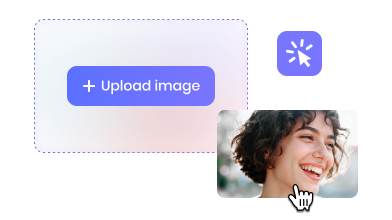
Upload Your Photo
Step 1: Import an image into AVCLabs AI image to video generator.
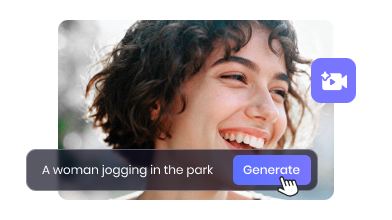
Describe Your Story
Step 2: Enter anything you prefer to describe your AI video.
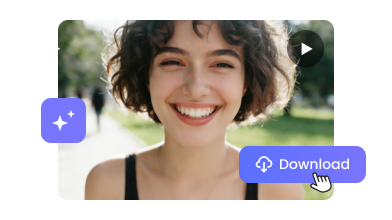
Image to Video AI
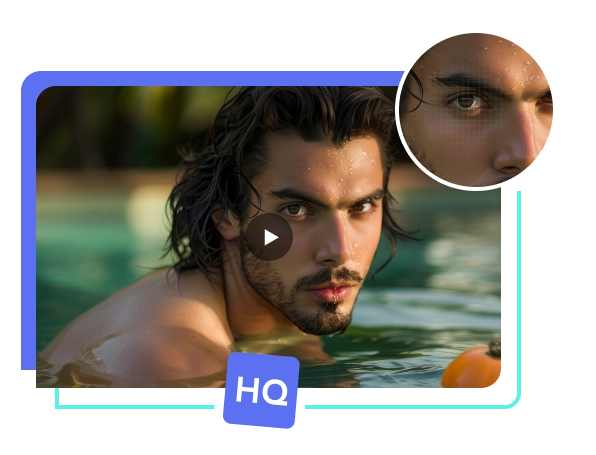
Step 3: Turn image or texts into high-quality AI video.
AVCLabs AI Image to Video Generator
Free & Online
Best Free Image to Video AI
Free AI Video Generator: Turn Photo to Video AI Free
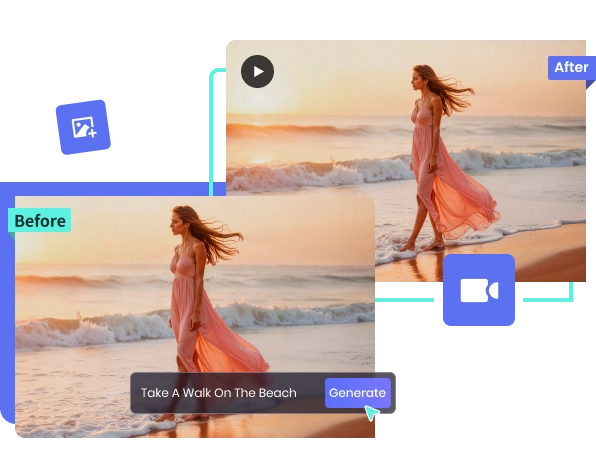
You can import any images into AVCLabs AI video generator, then describe your story and turn it into amazing video footage for you. Turn normal images into attractive videos; well-known images into surprising clips. There's no longer a need to shoot and edit videos yourself.
Also, you can also convert your drawings into high-quality videos with Van Gogh-style elements. AVCLabs AI image to video generator free online offers 1080P resolution, 8-second, and various preset video sizes.
AI Text to Video Generator
Effortlessly Convert Text to Video Free Online
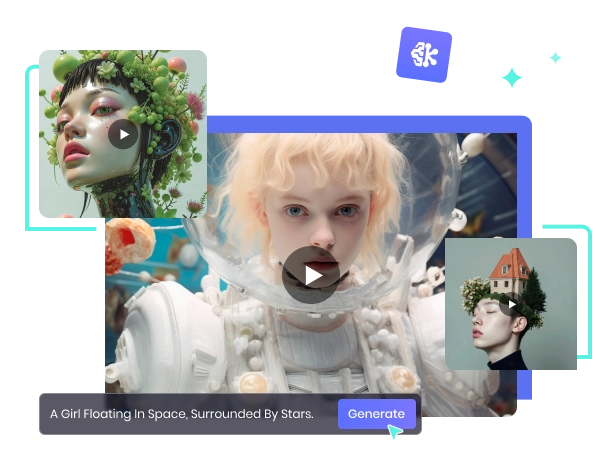
Even without suitable images to import, you can still get AI videos just by providing text descriptions. AVCLabs video generator will carefully read and understand your needs, efficiently completing the text-to-video process.
AVCLabs AI video generator can create dynamic presentation animations is far superior to plain text PowerPoint presentations. There's no need to painstakingly add animation effects to PowerPoint bit by bit. You can also use it to make Amazon product videos.
AI Kiss Generator Free
Instantly Create Romantic Kissing Videos Free Online
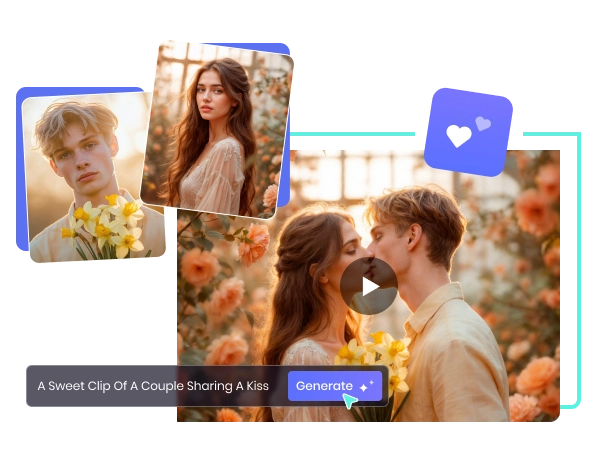
AVCLabs AI image to video generator free online can also handle popular video themes perfectly. For example, generating AI kissing videos. It generates romantic kissing videos from couple photos, and changes the background to anywhere by the way.
With the AVCLabs AI kissing generator online free, you can easily kiss your crush, your favorite idol, or your anime character. You can even fine-tune the tilt angle of the head and the placement of the hands.
Make AI Video for TikTok
Easily Create Viral Video Clips Free Online
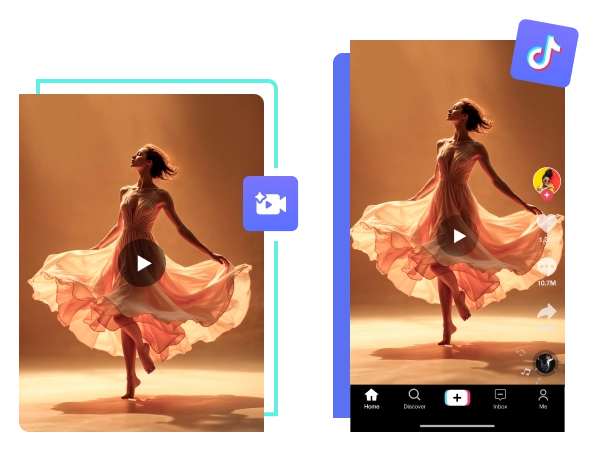
AVCLabs AI video generator online free can create popular TikTok meme clips with a fuller expression and richer details. The preset 9:16 video size ensures your TikTok video updates are well-prepared.
You can use AVCLabs AI image to video generator free online to make TikTok videos, creating funny meme videos, beat-synced videos, and even animated videos for educational content. It would be more easily to make your cat jump out of Michael Jackson's moonwalk pose than having it shower.
Best AI Video Generator Online Free
Generate HD AI Video with Smooth Motion Free Online
AVCLabs AI image to video generator free online provides smooth video clips with seamless transitions. It automatically matches effects such as fades, zooms, and camera movements based on the content of the scene and your description.
From smooth zooming in on product details to panoramic displays, AVCLabs gives you near-realistic camera-like results. Moreover, it handles different scene transitions, using color calibration to fine-tune parameters for more transparent clips.

00
%Estimated Time Saved
with AI Video Generator

00
%User Satisfaction Rate
for AI Video Generator
"I uploaded a photo and got a smooth, HD cat dancing video without doing anything complicated. It works nice."
-Jessica Moore"I tried it just for fun and ended up using it for a TikTok video. AVCLabs free AI image to video generator are super simple, and the results don't look robotic but natural. It's a nice option when you want to create something quick without editing skills. For me, many clips are practical in my creation."
-Ryan MillerAll-in-One Platform: Smarter Photo Editing Online
Bring Your Creative Vision to Life


Colorize B&W Photo
Bring black-and-white photos to life with realistic, AI-generated color restoration.

AI Image Sharpener Free
Fix blurry photos and enhance details with one-click AI sharpening—100% free.


Remove Person From Photo
Erase unwanted people and restore the background seamlessly with smart AI tools.
Questions About AI Video Generator
We have Answers!
What is the best free site for prompt generating AI videos?
The best tool for generating AI videos from prompts online is AVCLabs AI Video Generator. It allows you to enter text or image prompts and automatically creates dynamic videos with smooth motion and natural transitions.
Which AI tool is best to create the image to video?
For turning static images into engaging videos, AVCLabs AI Video Generator is an excellent choice. You can upload your photos and instantly generate animated video clips with quality motion and smooth transitions, no editing experience required.
Which platforms offer an uncensored AI art generator?
AVCLabs AI Video Generator offers flexible prompt-based video creation without limitation. You can use images and text prompts to produce original video content very easily.
How can I create TikTok videos from AI?
You can create TikTok short videos using AVCLabs AI Video Generator. It's easy to convert your loved photos into stunning short clips. Just enter your image or text prompt, generate the video, and export it in the appropriate format for TikTok.
Can you use an AI program to create 2D animation?
Yes, AVCLabs AI Video Generator can turn static images and text prompts into animated video that resembles 2D motion. It's a simple way to get moving visuals without traditional animation tools. You can instantly make your favorite anime character move!
👇 Want to precisely change character's clothes or hair with AVCLabs PhotoPro AI?








Fine-Tune Every Pixel Quickly
AI-Driven Generation
Download PhotoPro AI to generate and modify any part of images,
Smoother results, higher quality, and full offline control anytime you need.
